Welcome to Our Store
Explore the best products from top brands
Control & Monitoring: DCS, ESD. SCADA, HMI, PLC
Explore the best products from top brands
Control & Monitoring: DCS, ESD. SCADA, HMI, PLC
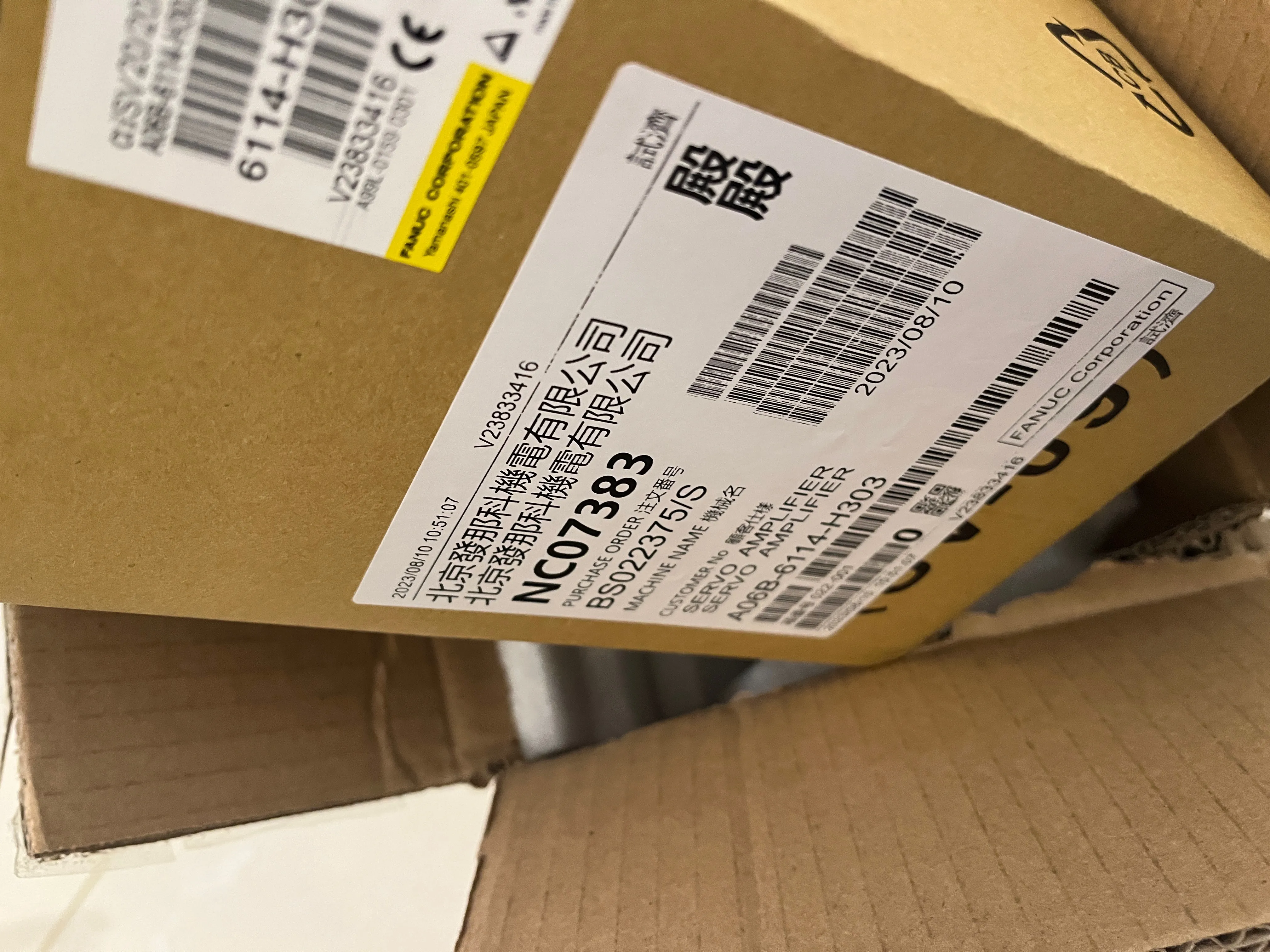
| Alarm Code | Reason | Solution |
|---|---|---|
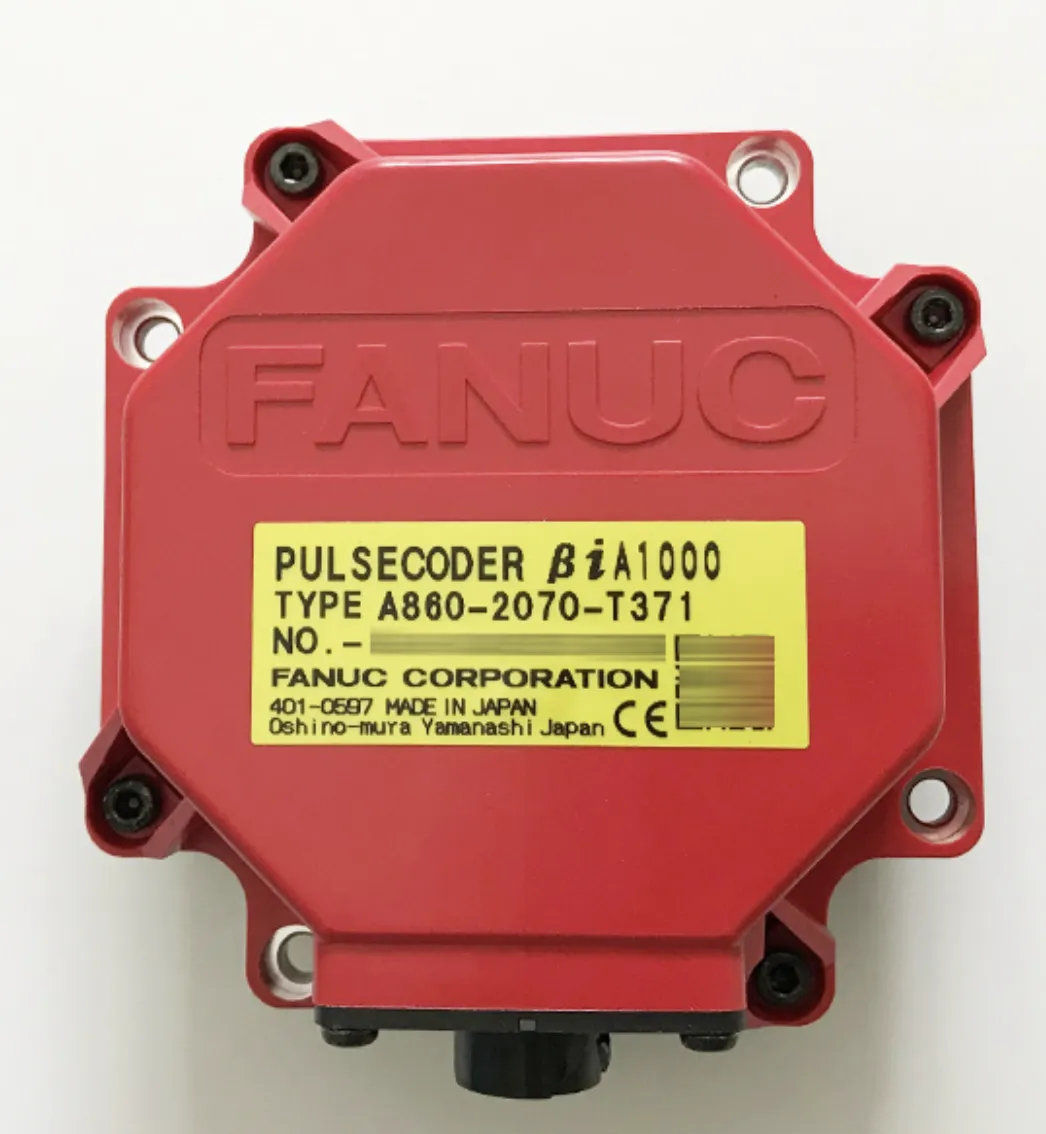
| SV0301 | Communication Error | Check the feedback cable for poor contact; replace the cable if needed.\nInspect the servo drive control PCB; replace if necessary.\nReplace the pulse coder. |
| SV0306 | Overflow Alarm | Check that parameters No.2084 and No.2085 are correctly set.\nReplace the pulse coder. |
| SV0307 | Excess Axis Movement | Check whether the feedback cable is normal.\nReplace the cable if needed. |
| SV0360 | Pulse Coder Code Check Error (Built-in) | Inspect the pulse coder for faults.\nReplace the pulse coder. |
| SV0364 | Software Phase Alarm (Built-in) | Check the pulse coder.\nReplace the pulse coder.\nCheck for electrical noise and ensure the feedback cable shielding is intact. |
| SV0366 | Pulse Loss Alarm (Built-in) | Check shielding of the feedback cable; ensure there’s no interference.\nReplace the pulse coder. |
| SV0367 | Count Loss Alarm (Built-in) | Verify feedback cable shielding and check for interference.\nReplace the pulse coder. |
| SV0368 | Serial Data Error (Built-in) | Ensure proper feedback cable shielding.\nReplace the cable.\nReplace the pulse coder. |
| SV0369 | Serial Data Transmission Error (Built-in) | Check feedback cable shielding and look for interference sources.\nReplace the cable.\nReplace the pulse coder. |
| SV0380 | Separate Detector LED Abnormal (External) | Check whether the separated interface unit (SDU) powers on correctly.\nReplace the SDU if necessary. |
| SV0385 | Serial Data Error (External) | Check if the SDU is functioning correctly.\nInspect the feedback cable between the encoder scale and the SDU.\nCheck the encoder scale itself. |
| SV0386 | Data Transmission Error (External) | Verify the SDU is operating correctly.\nInspect the feedback cable between the encoder scale and SDU.\nCheck the encoder scale. |
| Index | Error Code | Error Name | Reason | Solution |
|---|---|---|---|---|
| 1.1 | SV0430 | Servo Motor Overheating | The servo motor temperature is too high. | 1) Troubleshoot parameter problems, and please re-initialize the servo motor. It is best to confirm carefully by referring to the parameter list.\n2) Check diagnosis No. 308 to see if the actual temperature is too high. You can use hand touch to check. If the actual temperature is not high, please check the hardware.\n3) If the actual temperature is basically consistent with the diagnostic data, please check the cause of the motor temperature being too high. When checking the hardware, you can troubleshoot by replacing the encoder, motor, feedback cable, and amplifier.\n4) The alarm can be shielded in a short period of time through parameter P2300#7. |
| 1.2 | SV431 | PSM Overheating or β Series SVU Overheating | The servo amplifier or power supply overheats. | 1) Please check the amplifier wiring. Especially when using the analog servo adapter, the ALM signal needs to be connected to 0.\n2) Check the motor parameters.\n3) Replace the amplifier. |
| 1.3 | SV0432 | Control Power Supply Voltage Has Dropped | Servo amplifier or power supply voltage drops. | 1) Check the short circuit of the amplifier to see if there is a poor connection.\n2) Check whether the input voltage of the amplifier meets the requirements.\n3) Check whether the current of the switching power supply, transformer, etc. is sufficient.\n4) Replace the amplifier. |
| 1.4 | SV0433 | Low DC Link Voltage | PSM DC link voltage drops, or DC link voltage of α, β series SVU drops. | 1) Measure whether the actual power voltage is lower than the required voltage range.\n2) Detect whether there is an emergency stop disconnection, but the strong current is not connected due to abnormalities in the air switch, contactor, etc.\n3) This alarm may appear following alarms such as SV0364, so solve other alarms first. |
| 1.5 | SV0434 | Control Power Supply Voltage Has Dropped | The amplifier control power supply voltage is lower than the required. | Measure the control power supply voltage and investigate the cause that the peripheral control circuit makes the voltage drop. |
| 1.6 | SV0435 | DC LINK Low Voltage | DC LINK voltage of servo amplifier has dropped. | 1) First check whether the wiring pins on the amplifier are connected incorrectly and whether the cables are in good condition.\n2) Troubleshoot the problem with the amplifier itself. |
| 1.7 | SV0436 | Soft Overheating Relay Alarm (OVC) | The digital servo software has detected software overheating (OVC). | 1) Check the inherent parameters of the motor.\n2) Check whether the motor brake coil is working normally.\n3) Check the motor power line and feedback line.\n4) Increase the time constants such as parameters P1620 and P1621.\n5) Adjust the machinery or calculate the size of the motor to investigate the cause of excessive load. |
| 1.8 | SV0437 | Input Circuit Overcurrent | There is overcurrent flowing into the input circuit of the power supply. | 1) Unplug and replug the amplifier side panel.\n2) Replace the amplifier side panel. |
| 1.9 | SV0438 | Abnormal Current | The motor current is too large. | 1) This alarm may occur in abnormal processing conditions. Troubleshoot the abnormal condition by shutting down and restarting the amplifier.\n2) Check whether the power voltage exceeds the amplifier specification range.\n3) There are problems with the motor power line phase sequence and cables.\n4) Check the actual current situation and use SERVO GUIDE software to detect the IEFF curve value of the alarm motor.\n5) Set parameter P2209#4. |
| 1.10 | SV0439 | Too High DC Link Voltage | Servo amplifier or power supply voltage is too high. | 1) Please check the amplifier voltage.\n2) Unplug and replug the amplifier side panel.\n3) Replace the amplifier. |
| 1.11 | SV0440 | Too Large Deceleration Power | The regenerative discharge amount of the power supply or the servo amplifier is too large, and the regenerative discharge circuit is abnormal. | 1) If the regeneration resistor is not configured, please short-circuit pins 1 and 2 of CXA20 and RC and RI of CZ6.\n2) If the regeneration resistor is not configured, and at the same time, the operation mentioned in 1) has been completed and confirmed to be normal, for temporary use please reduce the moving speed, and for normal use please contact FANUC to configure the discharge resistor.\n3) If a regenerative discharge resistor is configured, please check the discharge resistor wiring (CXA20, CZ6).\n4) If a regenerative discharge resistor is configured and the wiring is confirmed to be normal, please contact FANUC to confirm whether the discharge resistor is sufficient. |
| 1.12 | SV441 | Abnormal Current Offset | The digital servo software detected an abnormality in the motor current detection circuit. | The amplifier hardware is damaged, please repair and replace it. |
| 1.13 | SV0442 | DC LINK Charging Abnormality | The backup discharge circuit of PSM DC link is abnormal. | 1) First confirm that after the emergency stop releases electrical contacts, the power supply must be provided to the amplifier immediately with sufficient voltage.\n2) Confirm whether the phase sequence of CX48 is consistent with the power supply of the amplifier.\n3) Check whether there are any problems with other wiring related to the power supply.\n4) Replace the amplifier for troubleshooting. |
| 1.14 | SV0443 | Cooling Fan Failure | Amplifier internal fan failure. | 1) Install the amplifier internal cooling fan if it is not installed.\n2) If the internal fan fails, please replace it. |
| 1.15 | SV0444 | Cooling Fan Failure | Failure of the fan inside the servo amplifier. | Please replace the fan. |
| 1.16 | SV0445 | Soft Disconnect Alarm | The digital servo software detects that the pulse encoder has been disconnected. | 1) Check the parameters and set P2003=1, P2064=256.\n2) If it is still invalid after completing the settings of 1), please check whether the hardware feedback line is disconnected or subject to electromagnetic interference.\n3) Check whether the fully closed-loop encoder is damaged or has installation problems. |
| 1.17 | SV0446 | Hard Disconnect Alarm | The built-in pulse coder is detected to be disconnected through hardware. | 1) Check whether the motor feedback line is broken.\n2) Check whether the third-party fully closed-loop encoder is damaged or has installation problems. |
| 1.18 | SV0447 | Hard Disconnect (EXT) | The external separate detector is detected to be disconnected through hardware. | 1) Check the parameters and set P2003=1, P2064=256.\n2) If it is still invalid after completing the settings of 1), please check whether the hardware feedback line is disconnected or subject to electromagnetic interference.\n3) Check whether the fully closed-loop encoder is damaged or has installation problems. |
| 1.19 | SV0448 | Unmatched Feedback Alarm | The data sign fed back from the built-in pulse encoder is opposite to that fed back from the external detector. | 1) Switch parameter setting P2018#0.\n2) Check whether the third-party encoder is subject to strong magnetic interference. |
| 1.20 | SV0449 | IPM Alarm | The servo amplifier IPM (intelligent power module) detected an alarm. | 1) If it happens accidentally, please check whether the amplifier wiring is connected well.\n2) If the amplifier IPM module is damaged, please repair or replace it. |
| Index | Error Code | Error Name | Reason | Solution |
|---|---|---|---|---|
| 1.1 | SV0401 | Servo Amplifier READY Signal (DRDY) Went Off | 1) Check the diagnosis number 358 and confirm that the emergency stop related wiring should be checked first.\n2) The servo amplifier or axis control card hardware may be damaged, and replace the hardware. | |
| 1.2 | SV0403 | Hardware/Software Mismatch | If the software or hardware is abnormal, please contact the FANUC maintenance department directly. | |
| 1.3 | SV0404 | Servo READY Signal Is Always On | This alarm occurs when the servo READY signal of the servo amplifier is always ON. | 1) In some special cases, you can use parameter P1800#1=1 for shielding;\n2) If the amplifier or axis control card is damaged, replace the amplifier or axis control card. |
| 1.4 | SV0409 | Torque Abnormality | After the system turns on the abnormal torque load alarm function, it detects abnormal load. | 1) If you do not use abnormal load detection function, please set parameter P2016#0=0;\n2) If you use the abnormal load detection function, please confirm whether there is any abnormal load phenomenon, such as machine abnormally stuck or abnormal processing status;\n3) If the abnormal load detection function is used and at the same time the processing status is normal, please readjust the relevant parameters of this function. |
| 1.5 | SV0410 | Too Large Position Deviation Value When the n–th Axis Stopping | The alarm is caused by excessive error when the servo axis stops. | 1) Check whether the power line and feedback line are connected incorrectly;\n2) Check whether the servo motor initialization parameters are incorrect;\n3) Correctly set the error alarm level parameters P1829, P5312, etc. when the servo axis stops in different states;\n4) If the servo motor vibrates during use, please check the jitter problem first. At this time SV0410 is an additional alarm;\n5) If this problem occurs during Cs axis control, please check the relevant parameters of the spindle encoder. |
| 1.6 | SV0413 | n–th Axis - LSI Overflow | The position deviation counter overflows. | 1) If the machine tool is running normally, there are commands and feedback, and the feedback distance is normal, it is confirmed that the command and feedback directions are opposite. At this time, please switch 3706#6#7, switch M03, M04 and G70.5, G70.4, or try to change the programming method.\n2) If the machine tool only has command output but no actual feedback, please confirm the machine tool operating status, functions or peripheral hardware.\n3) If the machine tool has actual feedback but no command output, such as vertical lathe CF axis control mode, please use the control axis removal function. |
| 1.7 | SV0415 | n–th Axis – Excess Shift | A set speed is exceeding the movement speed limit. | 1) Reduce the command speed.\n2) For gear processing under FSC+PMC+CS control mode, you can try the following solutions:\n① Modify parameter P2068=0;\n② Modify parameter P8003#3=1;\n③Set parameters P8005#4 and P8007#2 according to the actual situation. |
| 1.8 | SV0417 | Illegal DGTL Parameter | The parameter setting value for digital servo is abnormal. | See Diagnosis N203#4.\n1) Diagnose N203#4=0.\nIllegal parameters were detected through the CNC software. This may be due to the following reasons (See diagnostic message No. 280):\n①The motor model in parameter (No. 2020) is set to a value outside the specified range;\n②The correct value (111 or -111) has not been set in the motor rotation direction of parameter (No. 2022);\n③The number of speed feedback pulses per motor revolution in parameter (No. 2023) is set to an incorrect value such as 0 or below;\n④The number of position feedback pulses per motor revolution in parameter (No. 2024) is set to an incorrect value such as 0 or less.\n2) Diagnose N203#4=1.\nRefer to the specific values in diagnosis N352 and check the table to find the problem. For specific tables, please refer to the FANUC system maintenance instructions. |
| 1.9 | SV0420 | Too Large Synchronous Torque Difference | During the synchronous operation of the feed axis synchronous control, the torque difference between the master axis and the slave axis exceeds the set value. | 1) Confirm whether the torque difference is too large, and find the torque balance position of the mechanical master and slave axes, etc.;\n2) Confirm whether the two-axis parameter settings, axis initialization parameters, etc. are correct;\n3) Modify the alarm threshold, parameter P2031.\n1.10 5SV0421 n Axis Excess ER (Semi-Closed Loop)\nReason for alarm: The fully closed-loop feedback data and semi-closed-loop calculation data exceed the setting value of parameter P2118.\nSolutions:\n1) Check whether the flexible gear ratio and dual position feedback conversion coefficient settings are correct;\n2) Modify the grating ruler detection direction, parameter P2018#0;\n3) Check whether there is poor hardware installation or hardware damage. |
| 1.11 | SV0422 | Overspeed in Torque Control | The speed has exceeded the allowable speed specified in torque control. | Please check the torque setting value and speed limit value in the torque control command. |
| 1.12 | SV0423 | Too Large Torque Control Error | In torque control, the parameter–set allowable cumulative travel distance has been exceeded. | 1) Shield this alarm: P1803#4=0, P1805#1=1;\n2) Adjust the error threshold parameter P1885;\n3) Check the actual situation and reduce the error. |
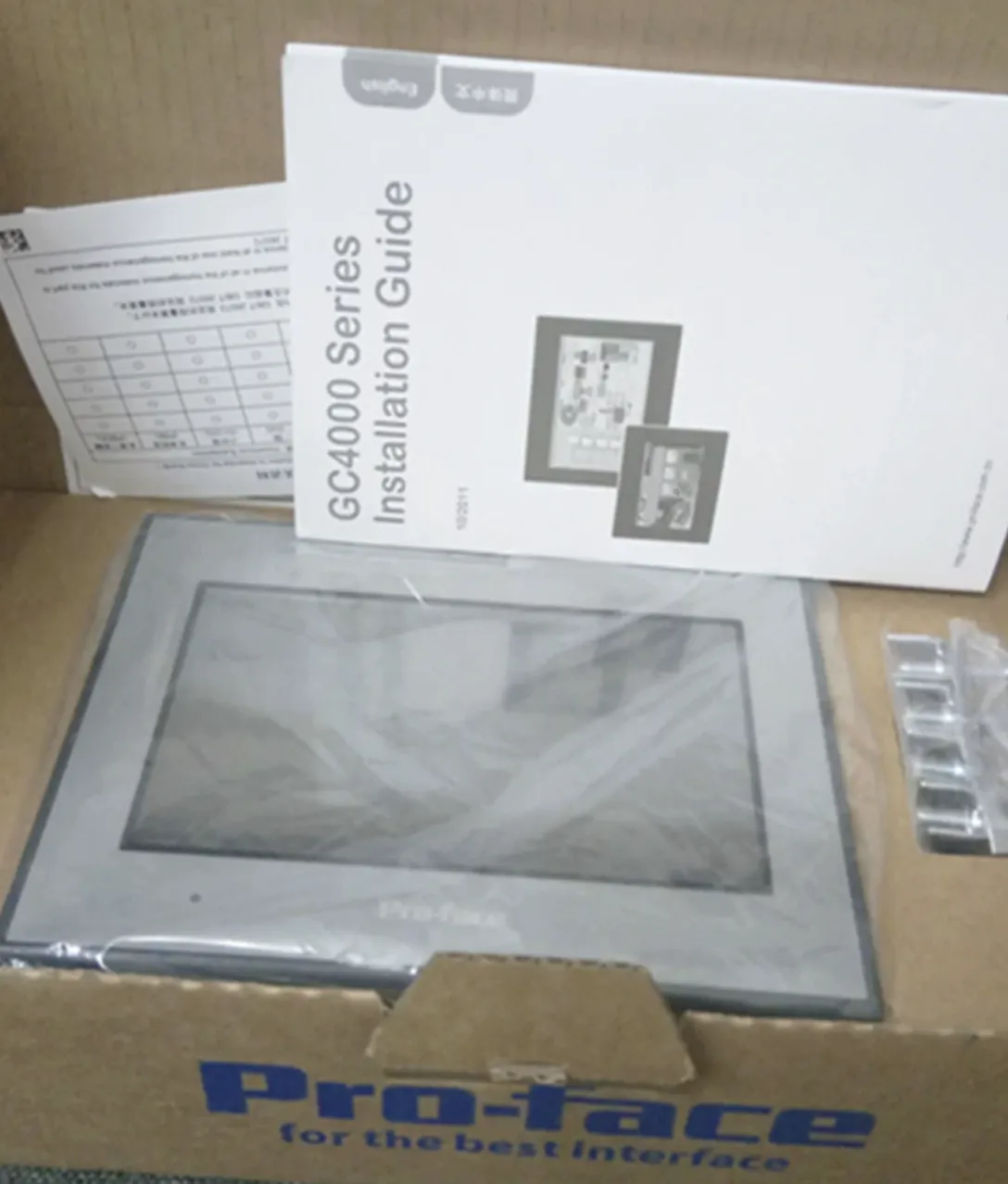
Proface, Siemens, Allen Bradley.
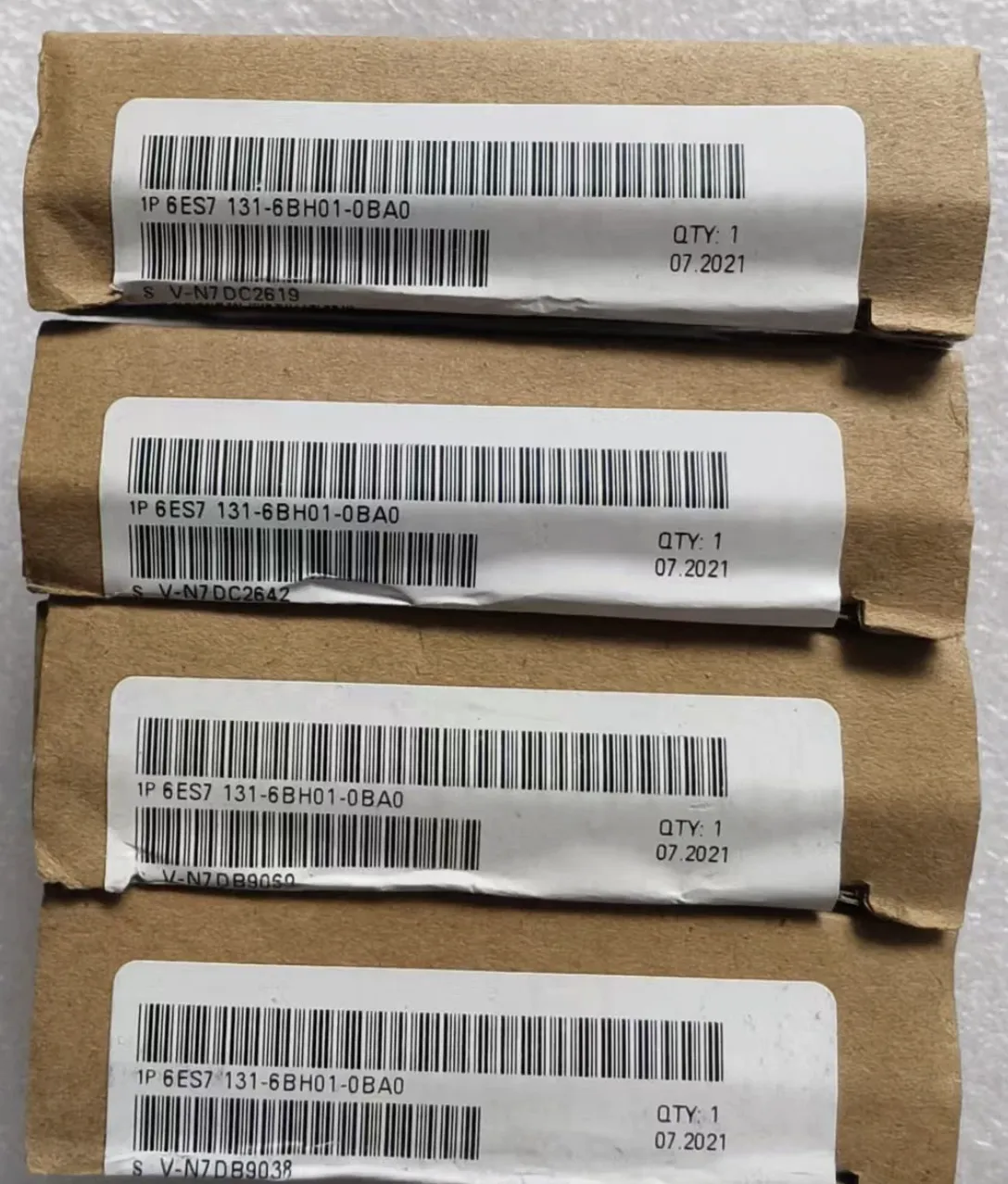
Siemens, Mitsubishi, Allen Bradley.
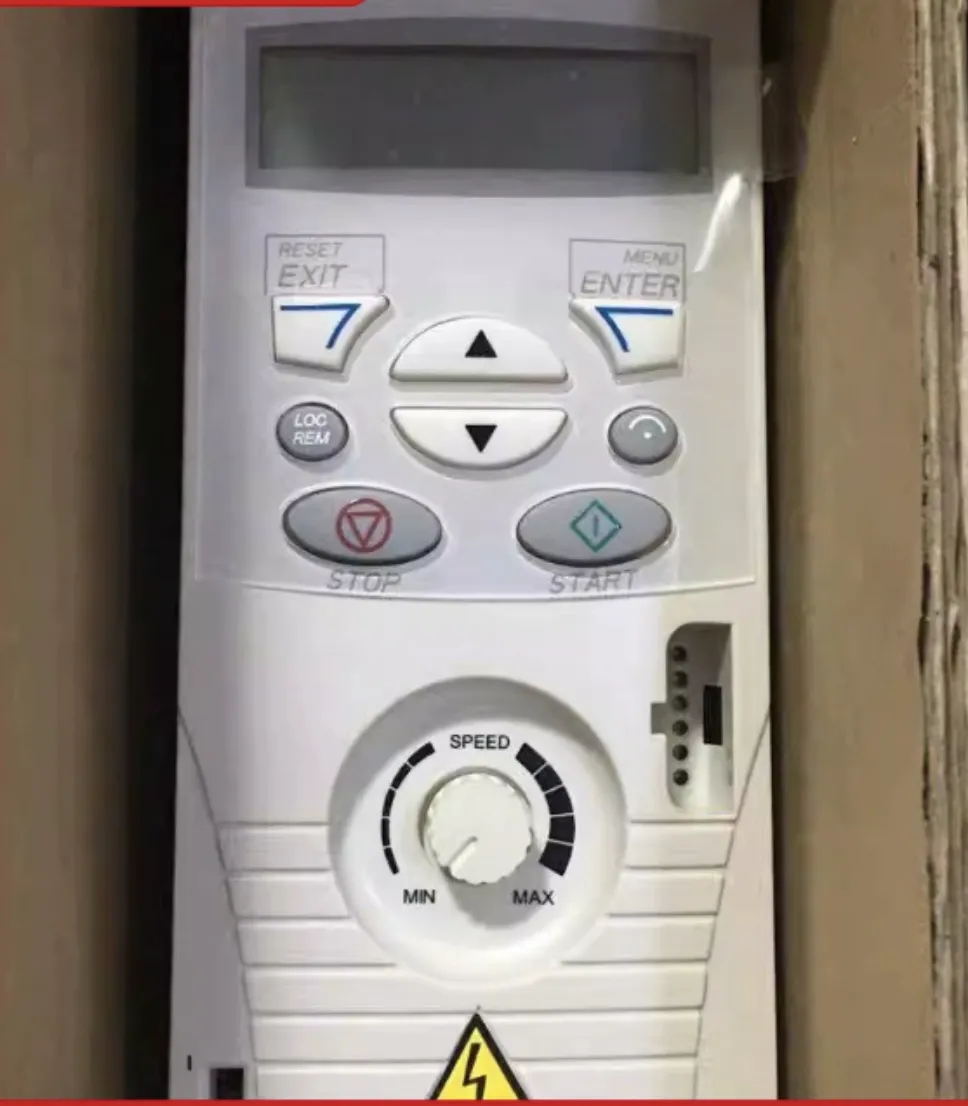
Siemens, ABB, Danfoss, Schneider.
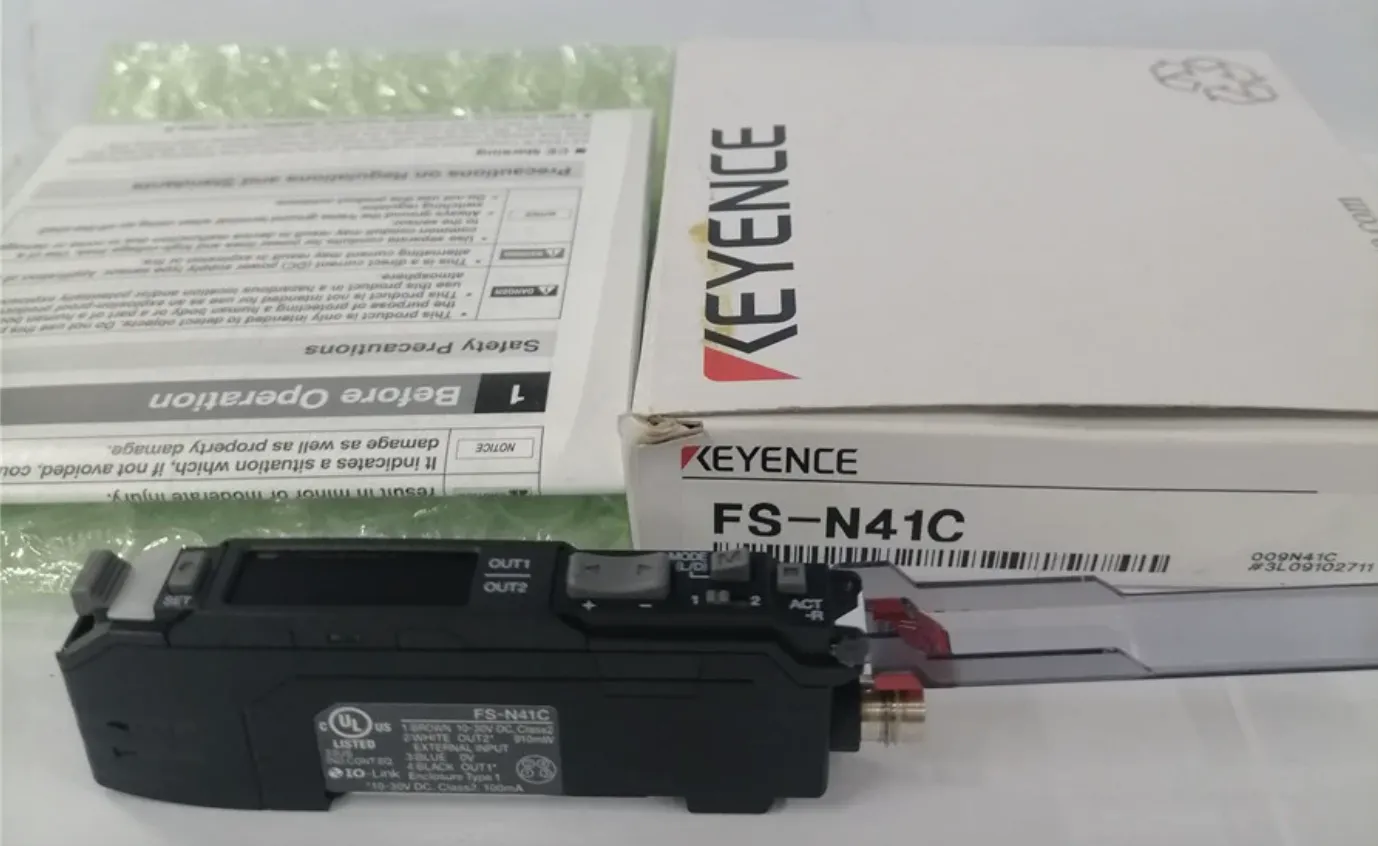
KEYENCE, IFM, Turck, Omron, Sick.
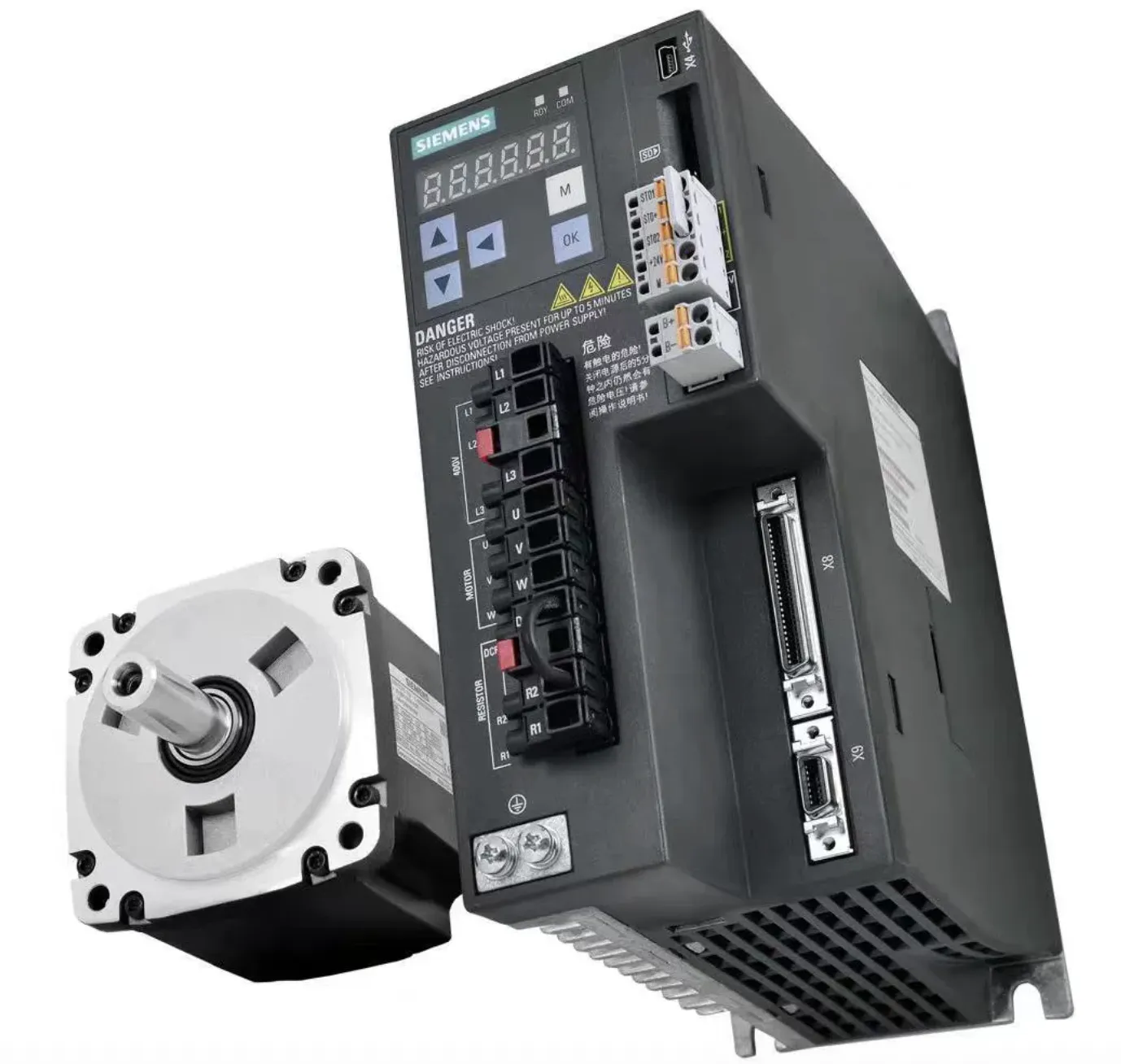
Yaskawa, Siemens, Allen Bradley, Panasonic.
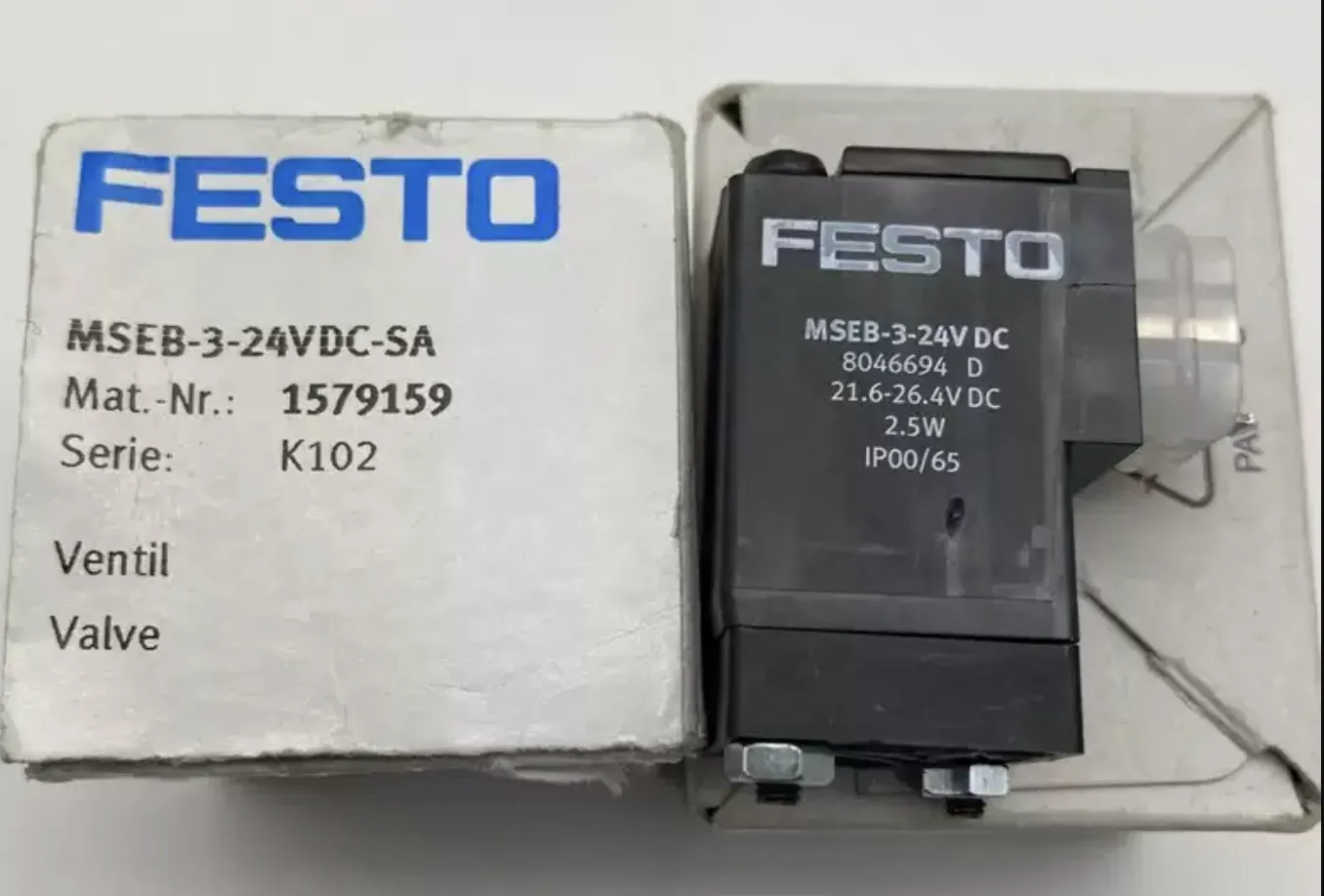
FESTO, SMC, AirTac, Parker.